Your download ends when the file is done. Not after.

OctoHeft speeds up downloads on Windows by writing each chunk straight to its place in the final file. No more waiting at 99%, one executable under 5 MB, no kernel drivers.

RustTauri v2React 18MIT licenseWindows 10 / 11

Same file, same connection (simulation)

OctoHeft0%
Classic download manager (IDM)0%

Both download at the same speed…

The 99% freeze, explained

A classic download manager fetches a file in several parts, stores them in temporary files, then copies them one by one into the final file. OctoHeft removes that step.

IDM pipeline

Temporary files, then concatenation
Each connection writes its own temporary file
99% barrier: every part is read and copied again
Final file only created at the very end
  • 30 seconds to 5+ minutes of waiting on large files
  • Data written twice to the SSD
  • Free space needed: 2 × the file size

OctoHeft pipeline

Direct writes, zero assembly
Final file created as soon as the HTTP headers arrive (NTFS sparse allocation)
Each connection writes at its exact offset
Done the instant the last packet arrives
  • 0 ms of assembly
  • A single write pass on disk
  • Free space needed: 1 × the file size

Everything you need in one executable

Browse through the app’s modules.

Dashboard

A dense table, a steady speed readout and every chunk visible live.

  • Smoothed speed (EWMA): no more jumping numbers
  • Pause, resume and category filters
  • Drag a finished file to the Desktop, Explorer, Slack or Photoshop
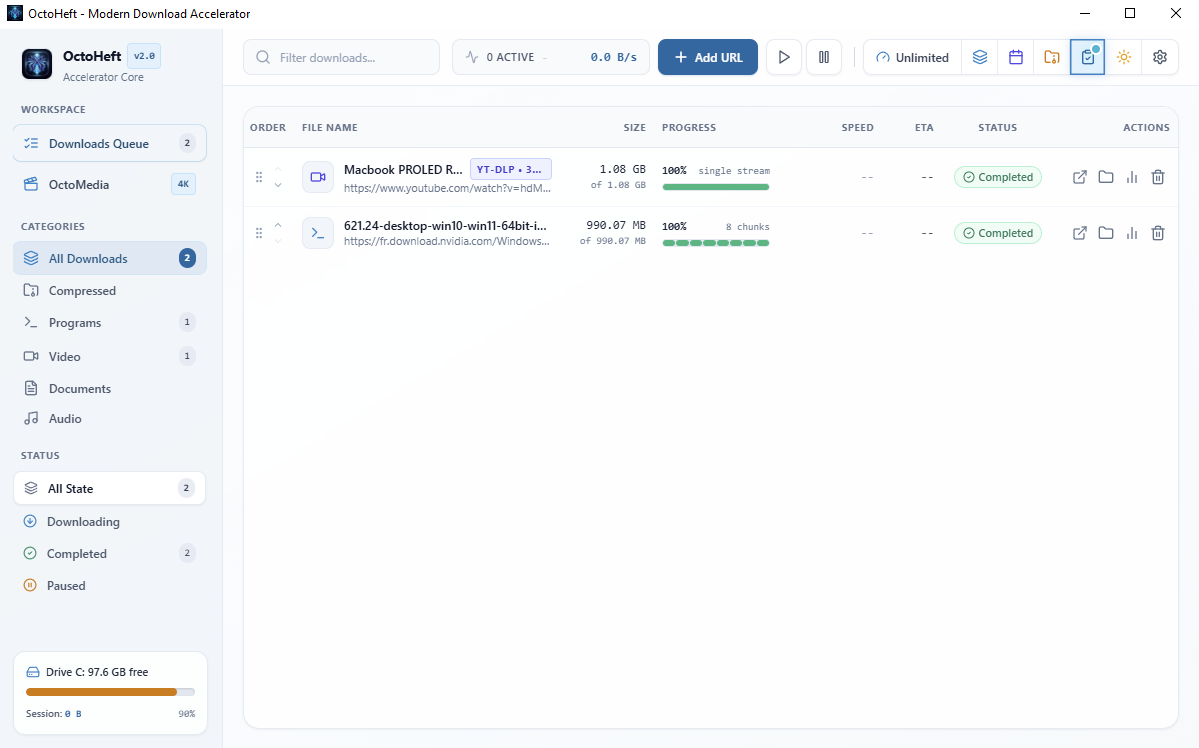
OctoHeft dashboard

OctoMedia

Grab 4K videos without installing FFmpeg.

  • 2160p, 1440p, 1080p or audio only
  • Video + audio merged into MP4, WebM or MKV
  • Demuxer written in Rust, no external 70 MB binary
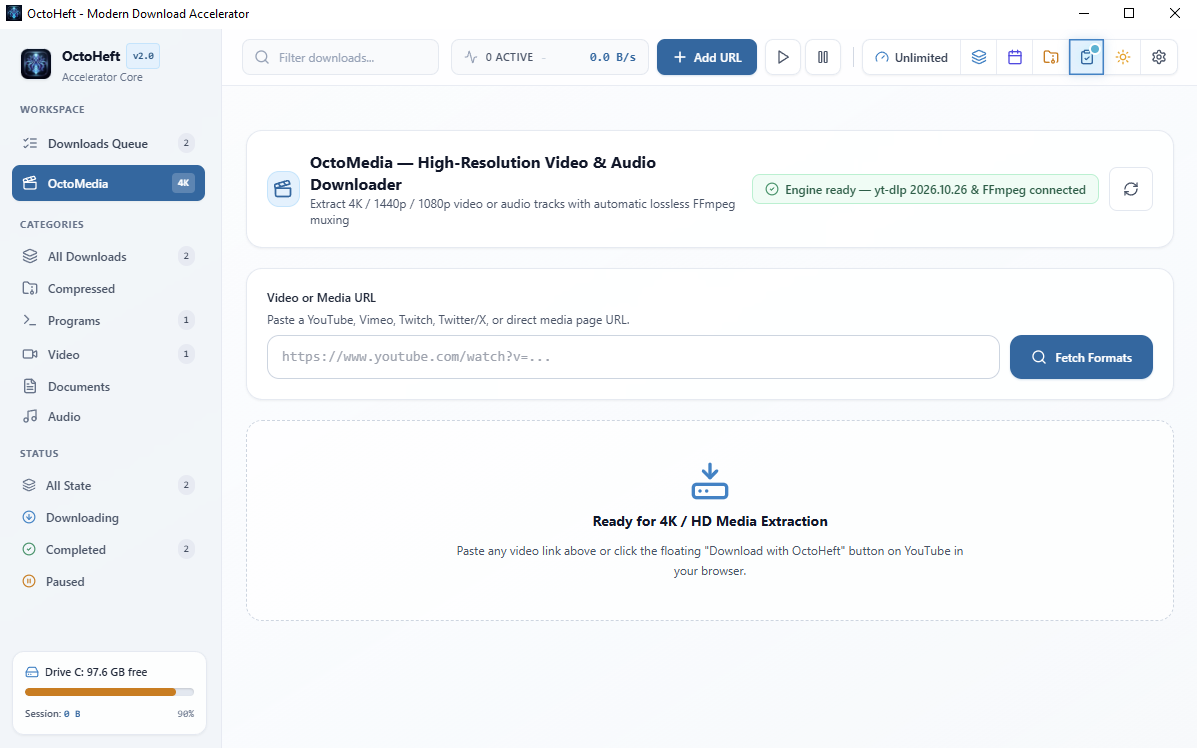
OctoMedia

Batch downloads

Paste your links or generate them with patterns.

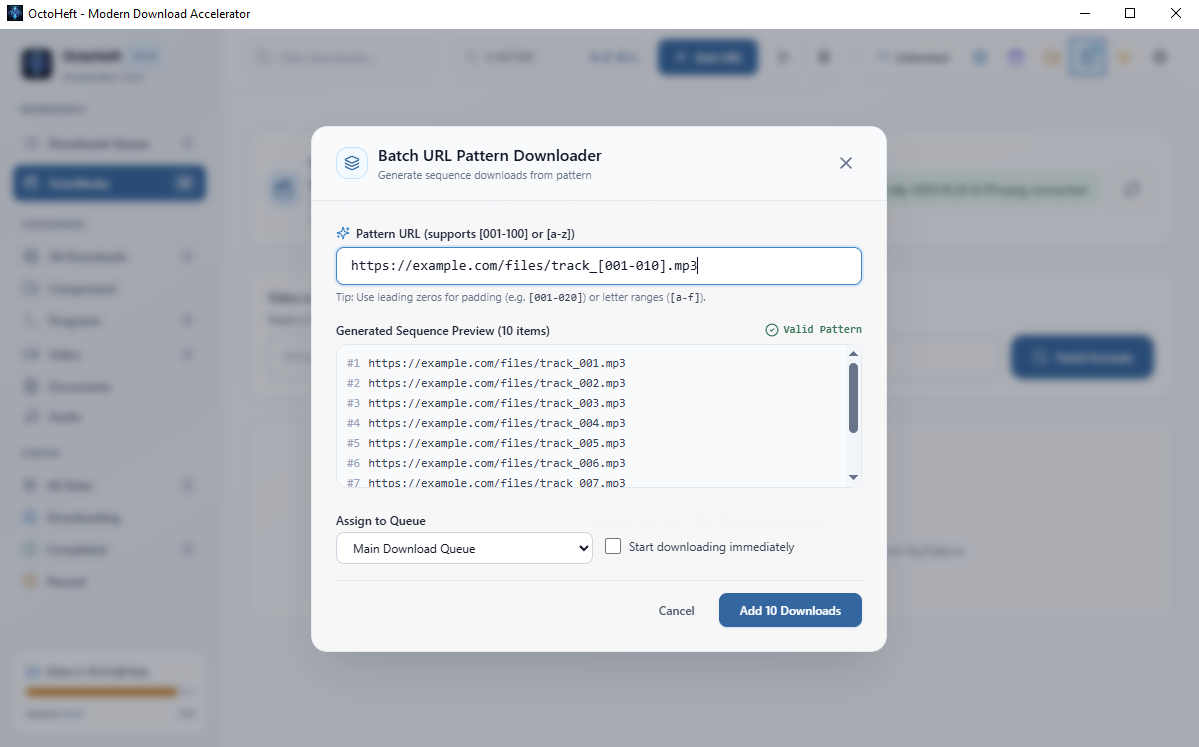
  • Numeric ranges [001-100] with zero padding
  • Alphabetic sequences [a-z]
  • Automatic sorting by category
Batch downloads

Scheduler

Run the queue overnight, shut the PC down in the morning.

  • Start and stop time windows
  • Bandwidth limit adjustable on the fly
  • Shutdown, sleep, hibernate or close the app when done
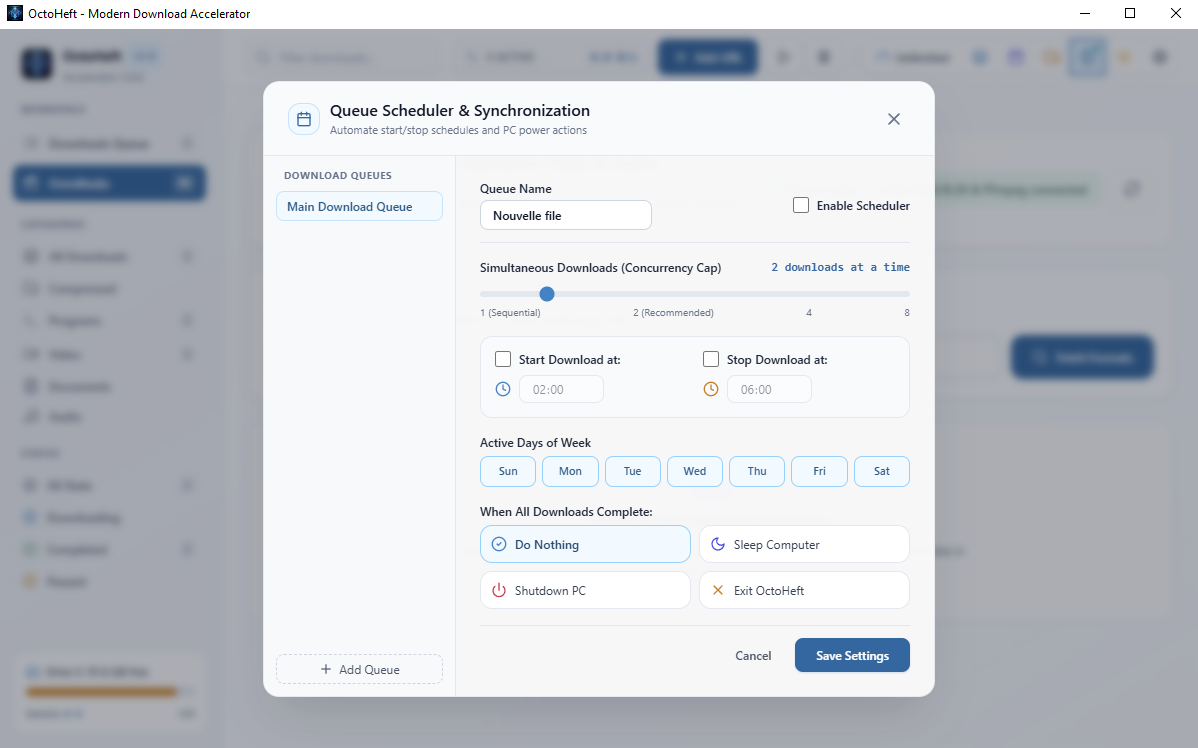
Scheduler

Settings and integration

Blends into Windows without the noise.

  • System tray icon and silent startup
  • Clipboard monitoring and the Ctrl+Alt+D shortcut
  • Proxy and credentials, 7 languages including RTL Arabic
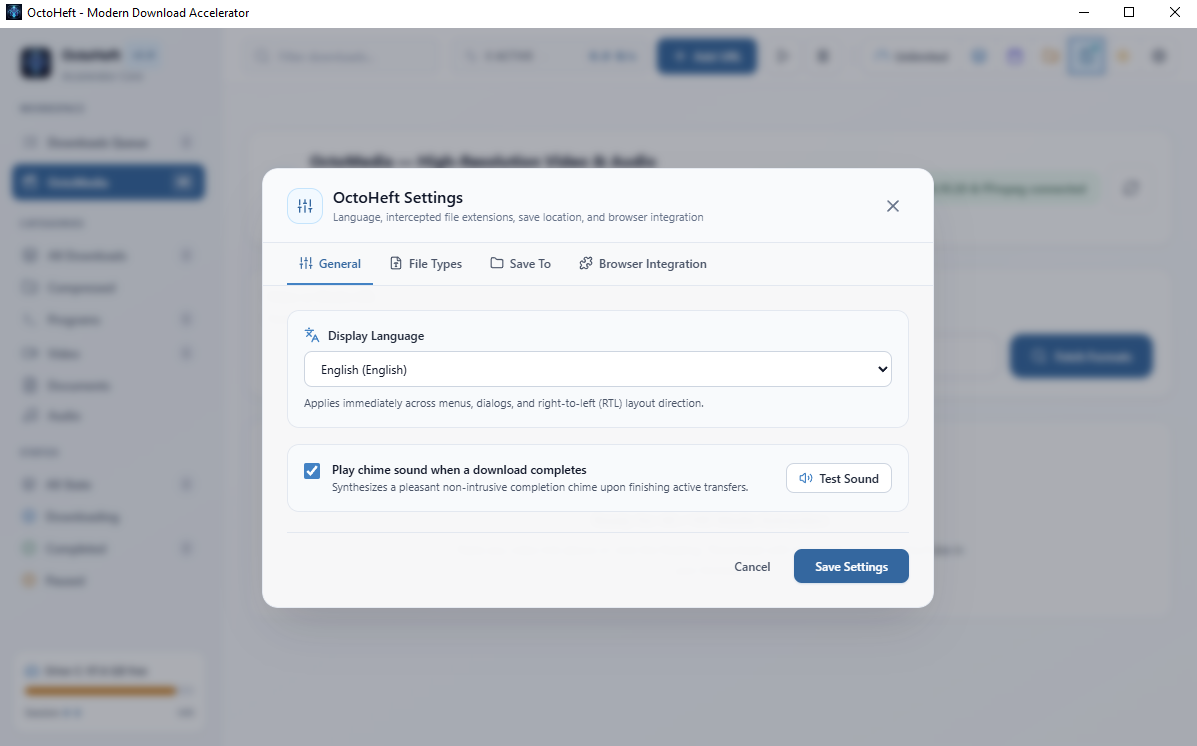
Settings
1 / 5

OctoHeft vs IDM

The technical differences that change everyday use.

CriteriaIDMOctoHeft
Disk writesTemporary file per chunkDirect writes into the final file
NTFS allocationSequential temporary filesInstant sparse allocation
99% assembly30 s to 5+ min0 ms
Write amplification2×1×
Free space required2 × the file size1 × the file size
Kernel driversYes (network drivers)None, user mode only
Video / audio mergingExternal toolsBuilt in, no FFmpeg
SizeSeveral executables and runtimesOne executable, under 5 MB
Crash recoveryBinary .dt descriptorsAtomic JSON state + NTFS sparse map
InterfaceWin32 / MFCFluent, 3 themes, 7 languages
LicenseProprietaryMIT, open source

Comparison based on the architecture analysis published in the OctoHeft repository. Durations depend on file size and disk speed.

Plugs into your browser

Manifest V3 extension for Chrome, Edge, Brave and Firefox. Downloads are intercepted and handed to OctoHeft along with your cookies, User-Agent and Referer, so protected sites keep working.

The browser detects

Archives, executables, documents and media are intercepted. Video streams are spotted automatically.

Native message

The extension sends a JSON frame to OctoHeft.exe through Native Messaging.

OctoHeft downloads

If the app is running, the job arrives over a named pipe. Otherwise it is queued and resumed at launch.

Remote ZIP content previewExtract single files without downloading everythingSHA-256 / MD5 verificationHTTP, HTTPS and SOCKS5 proxy

Ready to stop waiting at 99%?

Installer with setup wizard, or portable executable. Free and open source.